Hey there! As a supplier of QR packaging labels, I've been thinking a lot about the potential uses and benefits of these little wonders. One question that keeps popping up is, "Can QR packaging labels be used for product tutorials?" Today, I'm gonna dive into this topic and share my thoughts.
Let's start by understanding what QR packaging labels are. QR, or Quick Response, codes are two - dimensional barcodes that can store a whole bunch of information. When scanned with a smartphone or a QR code scanner, they can direct users to websites, videos, or other digital content. And when we talk about QR packaging labels, we're talking about these QR codes printed on labels that are attached to products.
Now, let's see why using QR packaging labels for product tutorials is a great idea. First off, it's super convenient. In today's digital age, almost everyone has a smartphone. So, when a customer buys a product with a QR packaging label, all they have to do is take out their phone, scan the code, and boom! They can access a step - by - step tutorial on how to use the product. This eliminates the need for those long, sometimes confusing printed instruction manuals that often end up getting lost or thrown away.
For example, let's say you're selling a high - tech gadget. Instead of stuffing a thick manual in the box, you can put a QR packaging label on it. The customer can scan the label and watch a video tutorial that shows exactly how to set up and use the gadget. This not only makes the customer's life easier but also gives them a more engaging and interactive experience.
Another advantage is that QR packaging labels allow for easy updates. If there are changes to the product or new features are added, you can simply update the digital content linked to the QR code. There's no need to print new instruction manuals or re - label all the products. It's a cost - effective and efficient way to keep your customers informed.
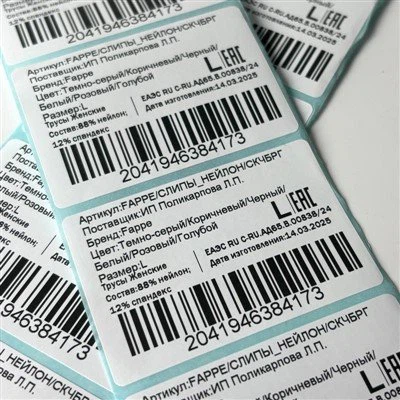
But how do we create effective QR packaging labels for product tutorials? Well, first, you need to make sure the QR code is clear and easy to scan. Use high - quality printing techniques like Thermal Transfer Printing Paper. This type of paper ensures that the QR code is sharp and legible, which makes it easier for customers to scan.
Next, the content of the product tutorial should be well - organized and easy to understand. Break it down into simple steps and use visual aids like images or videos. You can also add some interactive elements, like quizzes or FAQs, to make the tutorial more engaging.
It's also important to test the QR code before you start using it on your products. Scan it with different smartphones and QR code scanners to make sure it works properly and directs users to the right content.


Now, let's talk about some real - world applications. QR packaging labels for product tutorials can be used in a wide range of industries. In the food industry, for example, a QR code on a package of gourmet coffee could link to a tutorial on how to brew the perfect cup. In the beauty industry, a QR code on a skincare product could direct users to a video showing how to apply the product correctly.
In the electronics industry, QR packaging labels are already being used quite extensively. Many smart home devices come with QR codes that lead to setup guides and troubleshooting tips. This helps customers get their devices up and running quickly and easily.
However, there are also some challenges to using QR packaging labels for product tutorials. One of the main challenges is getting customers to actually scan the code. Some customers may not be aware of what the QR code is or how to scan it. To overcome this, you can include some instructions on the packaging, like "Scan this QR code for a product tutorial" along with a simple illustration of how to scan.
Another challenge is ensuring that the digital content linked to the QR code is accessible and compatible with different devices. You need to make sure that the tutorial can be viewed on both Android and iOS devices, as well as different screen sizes.
Despite these challenges, the benefits of using QR packaging labels for product tutorials far outweigh the drawbacks. It's a modern and innovative way to provide customers with valuable information about your products.
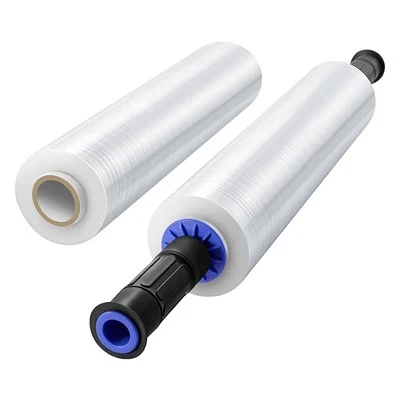
As a QR packaging labels supplier, I can offer you a variety of options to meet your needs. We have different sizes, shapes, and materials for our labels. Whether you need a small label for a single - use product or a large label for a high - end item, we've got you covered. And if you're looking for other packaging materials, we also offer Lldpe Stretch Film Roll for wrapping products and Wrap - around Cable Labels for cable management.
If you're interested in using QR packaging labels for product tutorials or have any other packaging needs, I'd love to have a chat with you. Let's discuss how we can create the perfect solution for your products. Whether you're a small business just starting out or a large corporation, we can work together to make your products stand out and provide a great customer experience.
In conclusion, QR packaging labels can definitely be used for product tutorials. They offer a convenient, cost - effective, and engaging way to provide customers with information about your products. So, if you haven't considered using QR packaging labels for product tutorials yet, it's time to give it a try!
References:
- Industry research on QR code usage in packaging
- Case studies of companies using QR codes for product tutorials